Comparisons8 min read
SimpleFill vs TextExpander: a TextExpander alternative without the subscription
Looking for a TextExpander alternative with a one-time purchase? TextExpander is billed every month, per user. SimpleFill costs once, from $29, keeps your snippets in your browser, and adds AI and form filling. Here's the comparison.
By Ram Patra, updated
TextExpander has been around since 2006, and for many people it's the name for text expansion. It has native apps for Mac and Windows, a Chrome extension, mobile apps, and mature team features. It's also a subscription, billed per user, and your snippets live on TextExpander's servers.
SimpleFill comes at the same problem from the browser, where most of us now do our writing. It has a rich editor for designed templates, built-in AI that runs on your own provider or your own computer, one-click form filling, and a library that never leaves your computer. You pay once. Here's how the two compare.
The short answer
- Pick SimpleFill if you write mostly in the browser, want templates that look designed, want AI and form filling in the same tool, prefer your data on your computer, use Firefox or Safari, or don't want another subscription.
- TextExpander may suit you better if you need snippets in desktop apps and on your phone, or your company already runs a shared TextExpander library.
At a glance
| SimpleFill | TextExpander | |
|---|---|---|
| Price | $29 or $59, once | From $6 a month |
| Free plan | Every feature | 5 active snippets |
| Account required | No | Yes |
| Snippets stored | In your browser | On its servers |
| Browser extensions | Chrome, Edge, Firefox, Safari | Chrome |
| Desktop and mobile apps | Coming soon | |
| Rich formatting and images | ||
| Reusable pieces on the free plan | ||
| Fill-ins and conditional sections | ||
| Case, slug, and trim transforms | ||
| Details read from the page | ||
| Key presses in snippets | ||
| Clicks in snippets | ||
| Save a form, fill it in one click | ||
| AI writing actions | ||
| Your own AI key or a local model |
Designed templates, on every plan
TextExpander's editor has come a long way. Rich text is the default, with
fonts, sizes, colors, alignment, links, and images, and fill-ins appear as
visual blocks instead of the old %macro% codes.
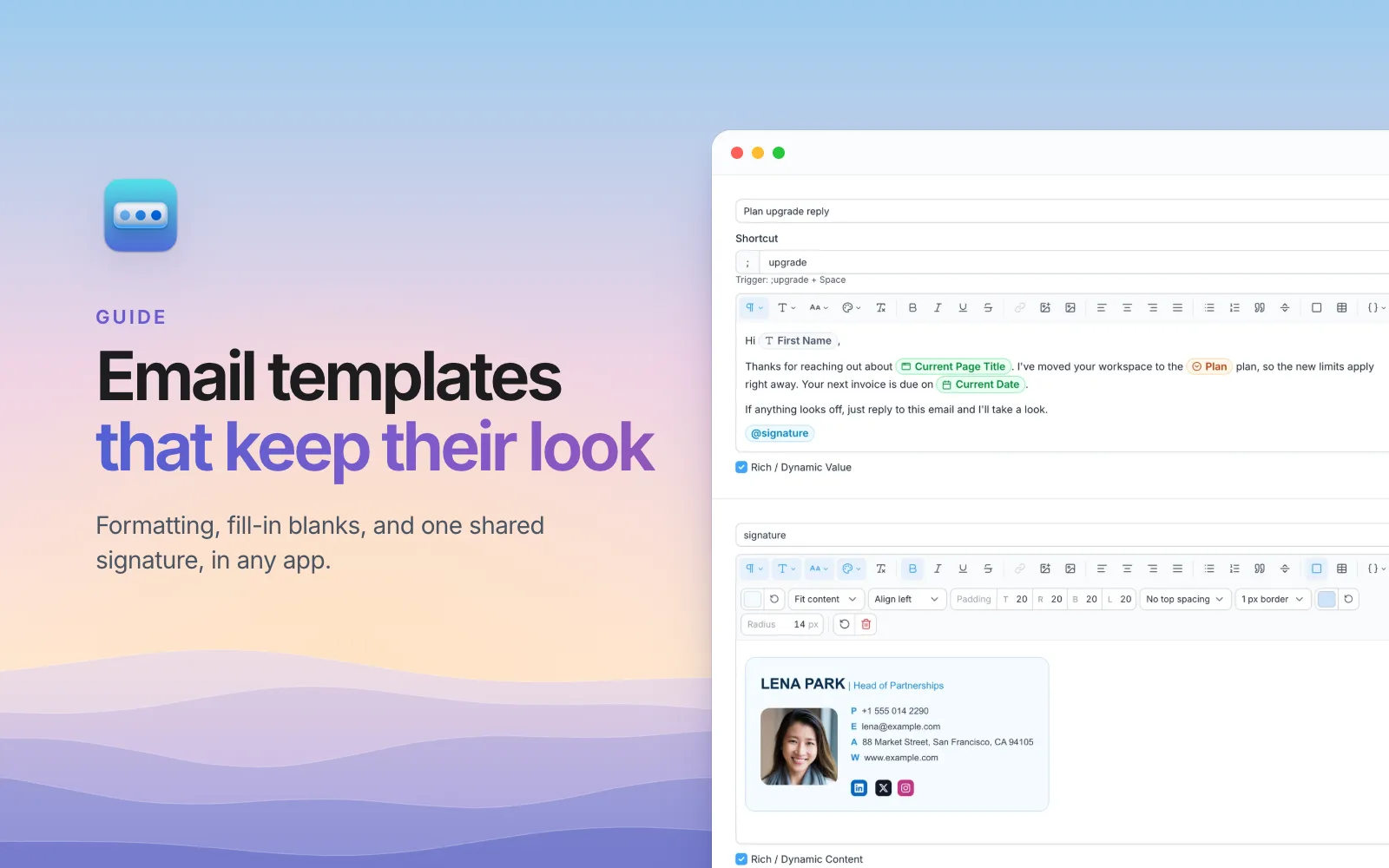
SimpleFill's rich text editor goes further for templates that have to look good when they land:
- Cards: boxes with their own background, padding, border, and rounded corners.
- Layout tables: borderless tables that line things up side by side in email, like a logo beside your contact details.
- Uploaded images, resized and compressed for you, with size, alignment, border, corner, and link settings.
- Headings, highlights, quotes, and code blocks.
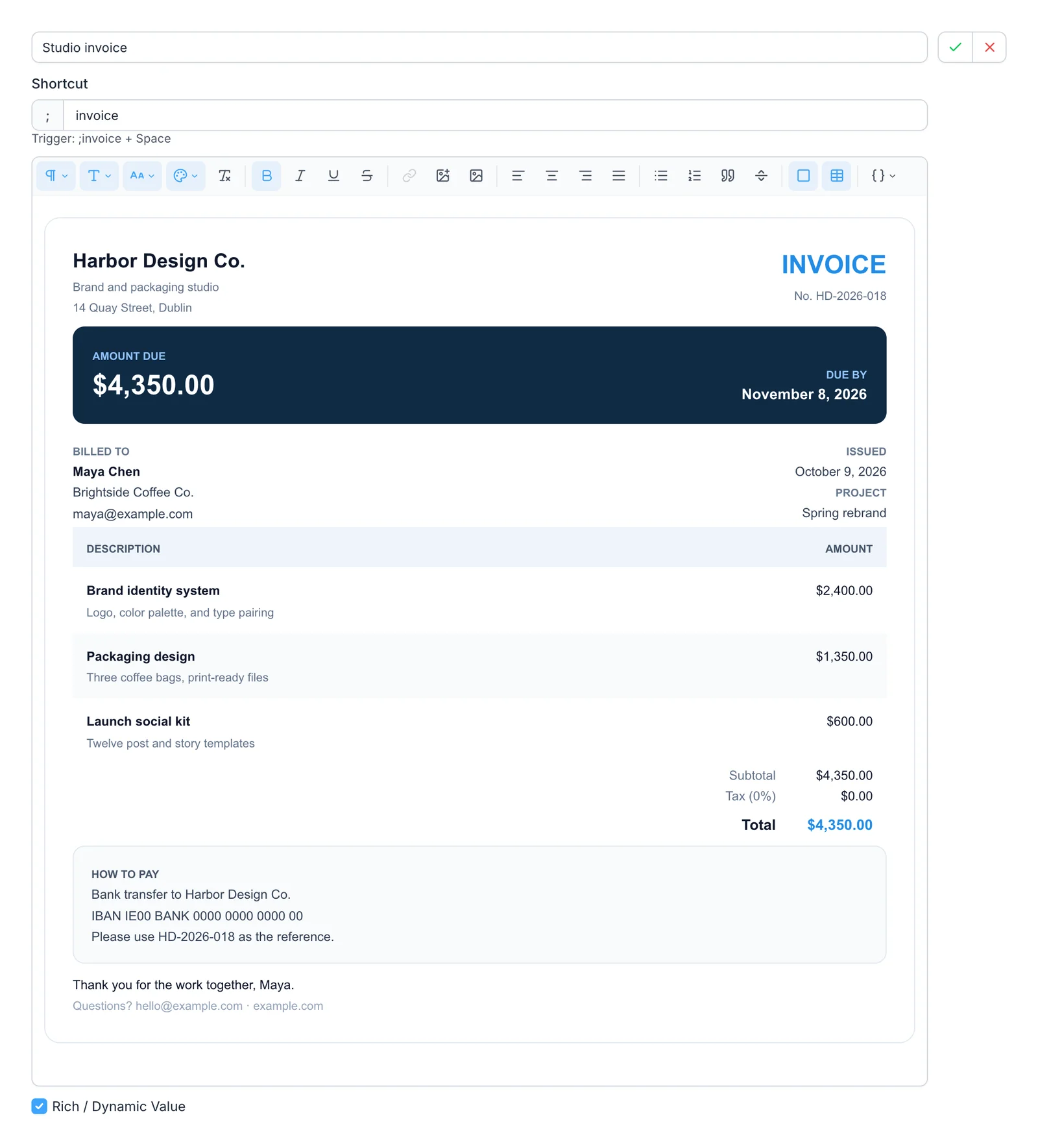
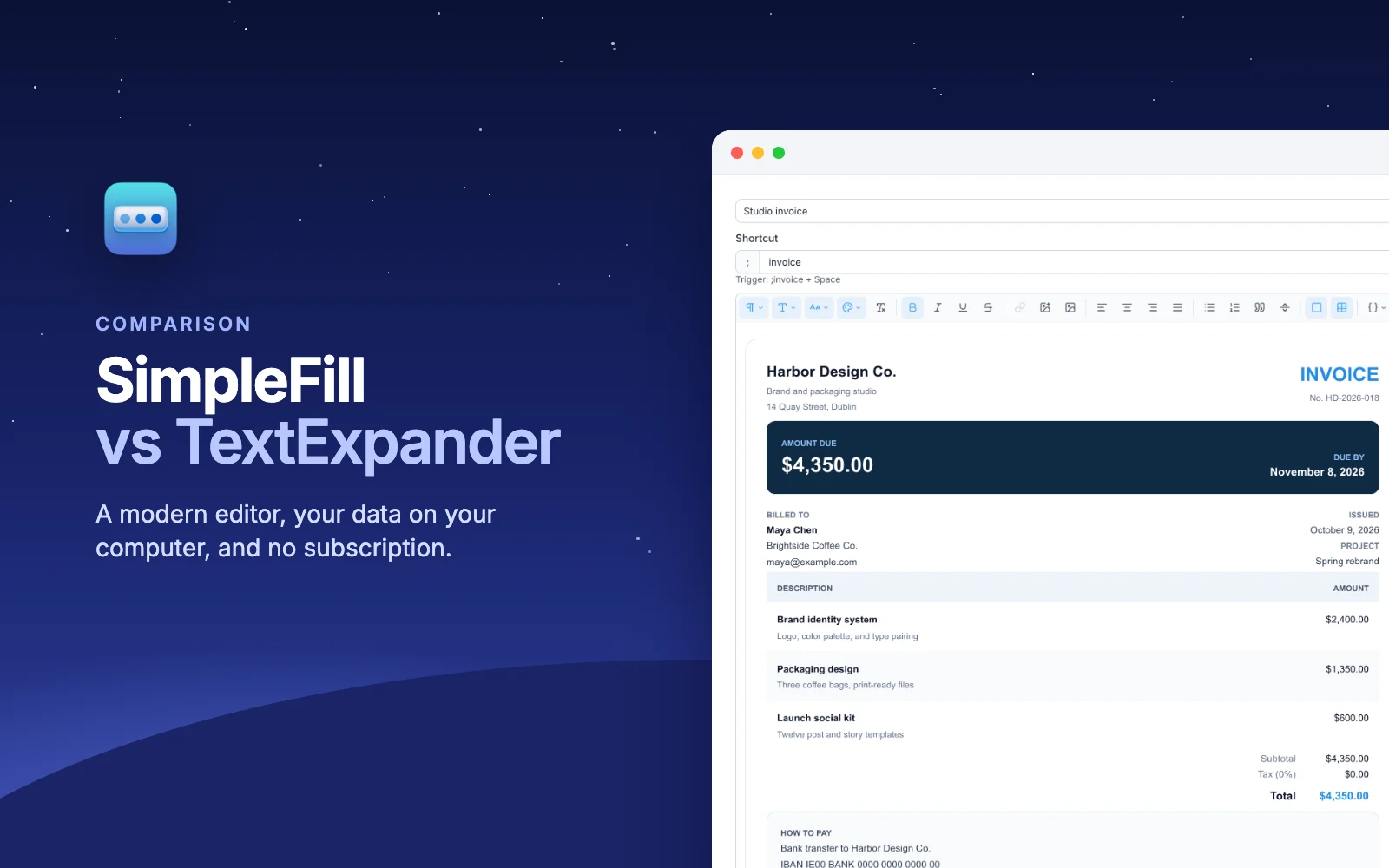
That invoice was made in the editor with no HTML, and it keeps its formatting in Gmail, Outlook, Notion, and Google Docs. You'll find more like it in the marketplace: signatures, invoices, résumés, and replies you can add in one click and make your own.
Blocks vs nested snippets
TextExpander lets you put a snippet inside another, so a shared piece is edited once. It's a good feature, and it's only on paid plans.
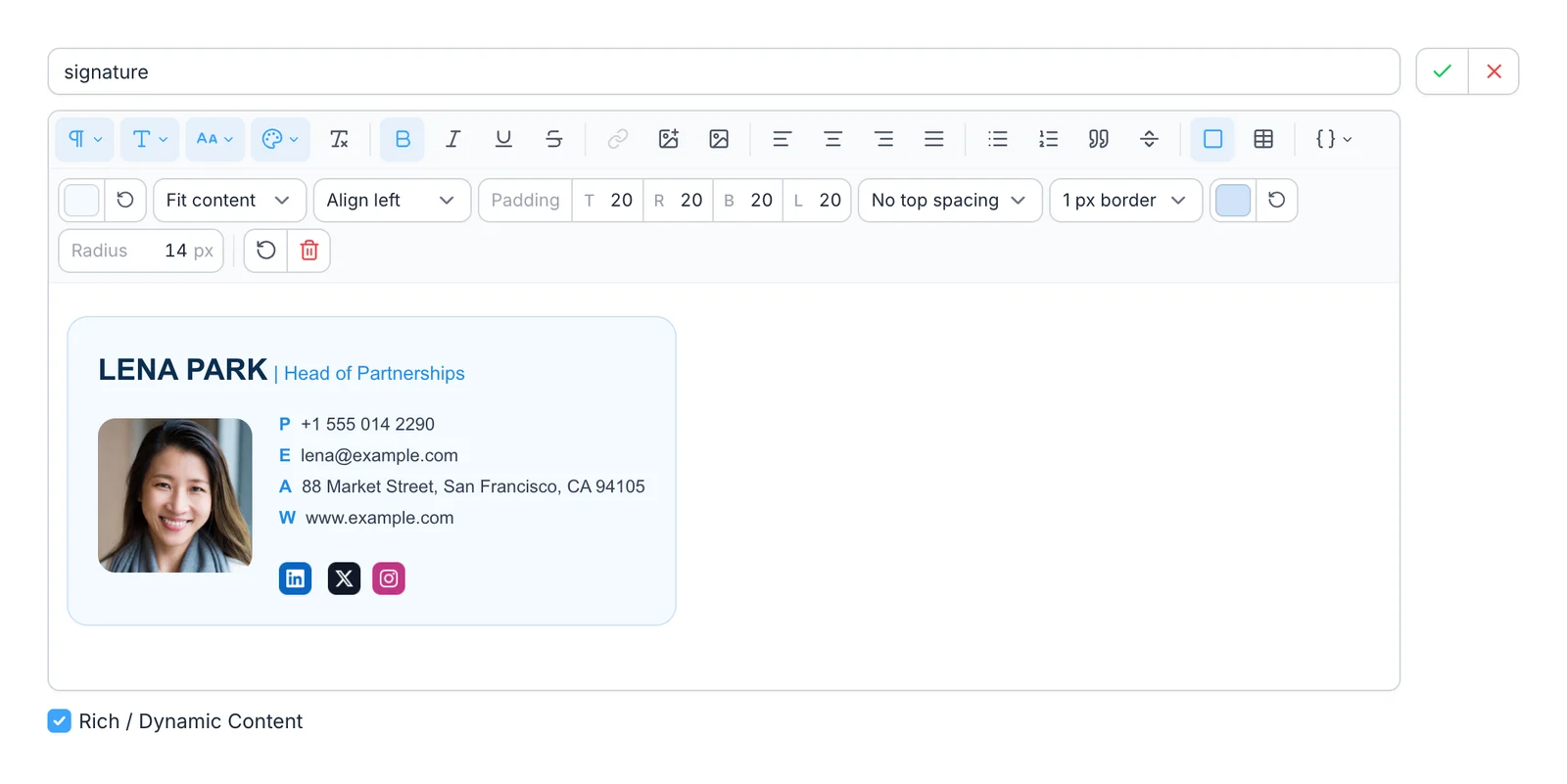
SimpleFill's version is Blocks, and they're on every plan,
including Free. A Block is its own kind of item: no shortcut, so it doesn't
crowd your search, and you add it to a snippet by typing @. Rename a Block and
every reference updates. Try to delete one that's in use, and SimpleFill tells
you which snippets need it first.
Fields that fill themselves
TextExpander's fill-ins are thorough: single-line and multi-line fields, popup menus, optional sections, date pickers, and conditional sections. Most of the advanced ones, like date math and conditional sections, need a paid plan.
SimpleFill has the same kinds of Fields, plus If / Else and calculations, on every plan. It also does two things TextExpander doesn't:
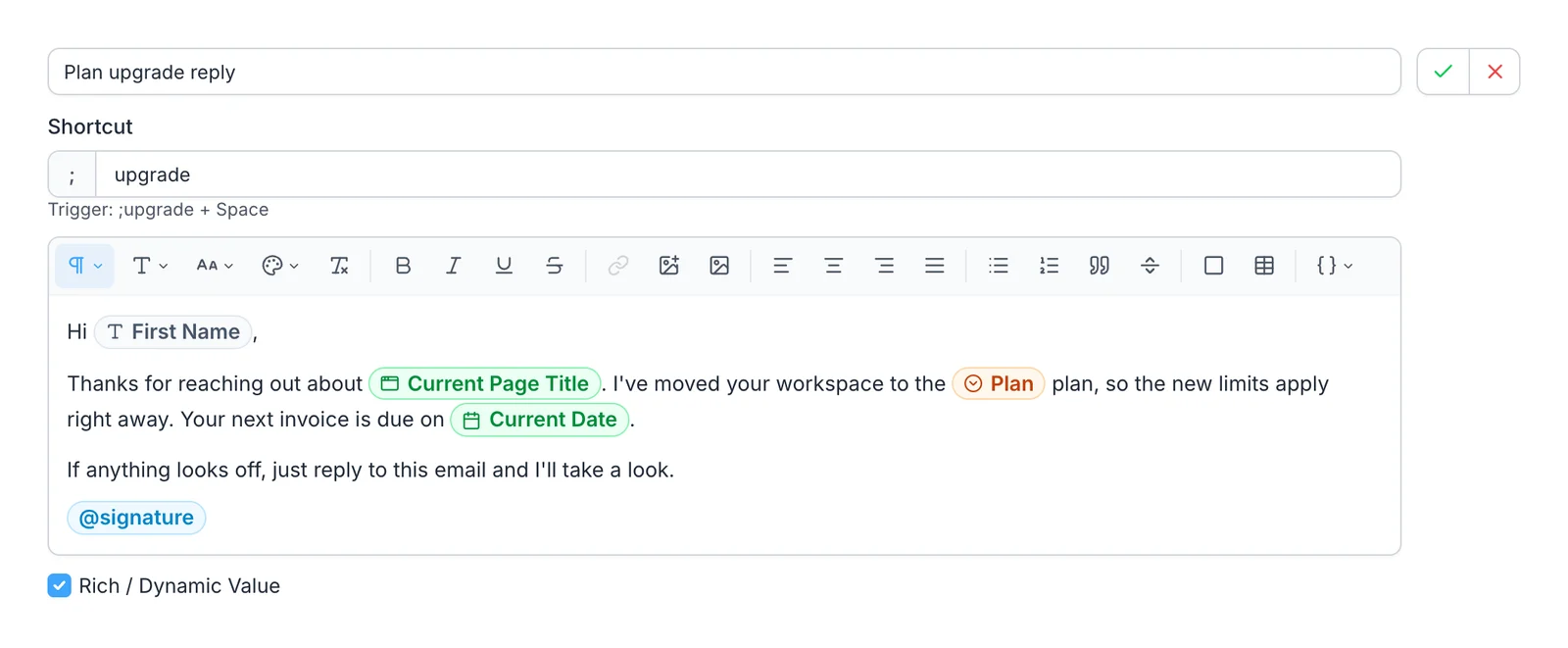
- It reads the page. Smart Fields fill in the page's
title or link, the date, your clipboard, or what's already in the box, and
add-ons read details from LinkedIn, HubSpot, X, GitHub, Jira,
and Google Docs.
Hi {{li.firstname}}greets the person whose LinkedIn profile you're on. - It reshapes values. Transforms change a value as it
goes in:
titleCase,slugify,truncate(80),addBusinessDays(3), and 30 more, chained however you like.
Filling forms
TextExpander snippets can press Tab, Enter, Escape, and the arrow keys, and as of 2026 they can pause between steps. That's enough to tab through simple forms. As TextExpander's own form-filling guide says, dropdowns and checkboxes may still need a click.
SimpleFill handles both kinds of form:
- One-click form fill. Right-click a page and choose Save Form. SimpleFill scans every field, you set your values once, and one click fills it every time after: text boxes, dropdowns, radio buttons, checkboxes, multi-select lists, and dates, even calendar pickers that sites draw themselves.
- Snippets with key presses and clicks. Type, press Tab, click a dropdown option, pick a date, tick a checkbox, and press Submit, all from one shortcut, across several steps.
AI where you write
TextExpander's AI features help you manage snippets: on-device suggestions of which snippet to use, drafted snippets for admins, and an MCP server so AI assistants can work with your library. They don't rewrite your text.
SimpleFill's AI actions work on the text you're writing.
Ten come built in, including Fix Grammar, Rewrite, Make Professional,
Translate, Summarize, and Generate Reply, and you can add your own prompts. Type
;fix at the end of a message, or run an action from the right-click menu or
Quick Access.
- Bring your own AI. Use your OpenAI or Anthropic key, any OpenAI-compatible service, or a local model with Ollama or LM Studio, so nothing leaves your machine.
- Memory. Save a few notes about yourself, and actions that use Memory follow them.
- Context. Actions see the text around your text box, so Generate Reply answers the message above it.
SimpleFill AI, an optional add-on with credits included and no key to set up, is coming soon.
Finding the right snippet
TextExpander has Inline Search and a command menu. SimpleFill has
Quick Access (⌘ Shift Space or Ctrl Shift Space),
which searches snippets, saved forms, Smart Fields, and AI actions together,
and puts the most likely match for the field you're in at the top. And with
auto-suggestions, matching snippets appear under a
form field as you type, so you can fill a whole form with the keyboard: type,
Down, Enter, next field.
Privacy
TextExpander needs an account, and your snippets live on its servers, encrypted in transit and at rest, with SOC 2 certification. That's how its sync and sharing work.
SimpleFill has no account. Your snippets, Blocks, Fields, saved forms, AI actions, and Memory stay in your browser's storage on your computer, and SimpleFill sends nothing in the background. The privacy page lists every moment anything leaves your computer, and to whom.
Team and Enterprise plans, with shared folders that sync, are on the way. They're opt-in: only what you share is stored on our servers.
Price
TextExpander's plans are subscriptions: Pro is $6 a month ($60 a year) for up to five people, and Business is $12 per user a month ($120 a year). The free plan keeps five snippets active and leaves out nested snippets, date math, and conditional fill-ins.
SimpleFill is a one-time purchase, with every feature on every plan:
| SimpleFill Free | SimpleFill Standard | SimpleFill Pro | |
|---|---|---|---|
| Price | $0 | $29, once | $59, once |
| Snippets, Blocks, Fields, saved forms | 5 each | 50 each | Unlimited |
| Every feature |
A year of TextExpander Pro costs about what SimpleFill Pro costs forever.
When TextExpander is the better choice
- Outside the browser. TextExpander's native apps expand snippets in any app on your Mac or PC, and on your phone. SimpleFill works in Chrome, Edge, Firefox, and Safari today, and desktop and mobile apps are coming.
- Established teams. Snippet requests, guest sharing, SSO, SCIM, and usage reports are available now. SimpleFill's team plans are coming soon.
- Compliance. TextExpander offers SOC 2 and HIPAA support for organizations that need it.
Try SimpleFill
Install SimpleFill for Chrome,
Edge,
Firefox, or
Safari. Start with your five most
used snippets, save a form you fill every week, and try ;fix on your next
email. The getting started guide covers the
rest.
Comparing other tools too? Read SimpleFill vs Text Blaze and SimpleFill vs Magical.
TextExpander details were checked against TextExpander's website, help center, and pricing page in November 2026. Products change, so if something here is out of date, let us know.