Guides5 min read
Are text expander extensions safe? What they can see, and where your snippets go
A text expander has to see what you type to work. Here's what that permission really means, where popular text expanders keep your snippets, and a short checklist for choosing one you can trust.
By Ram Patra
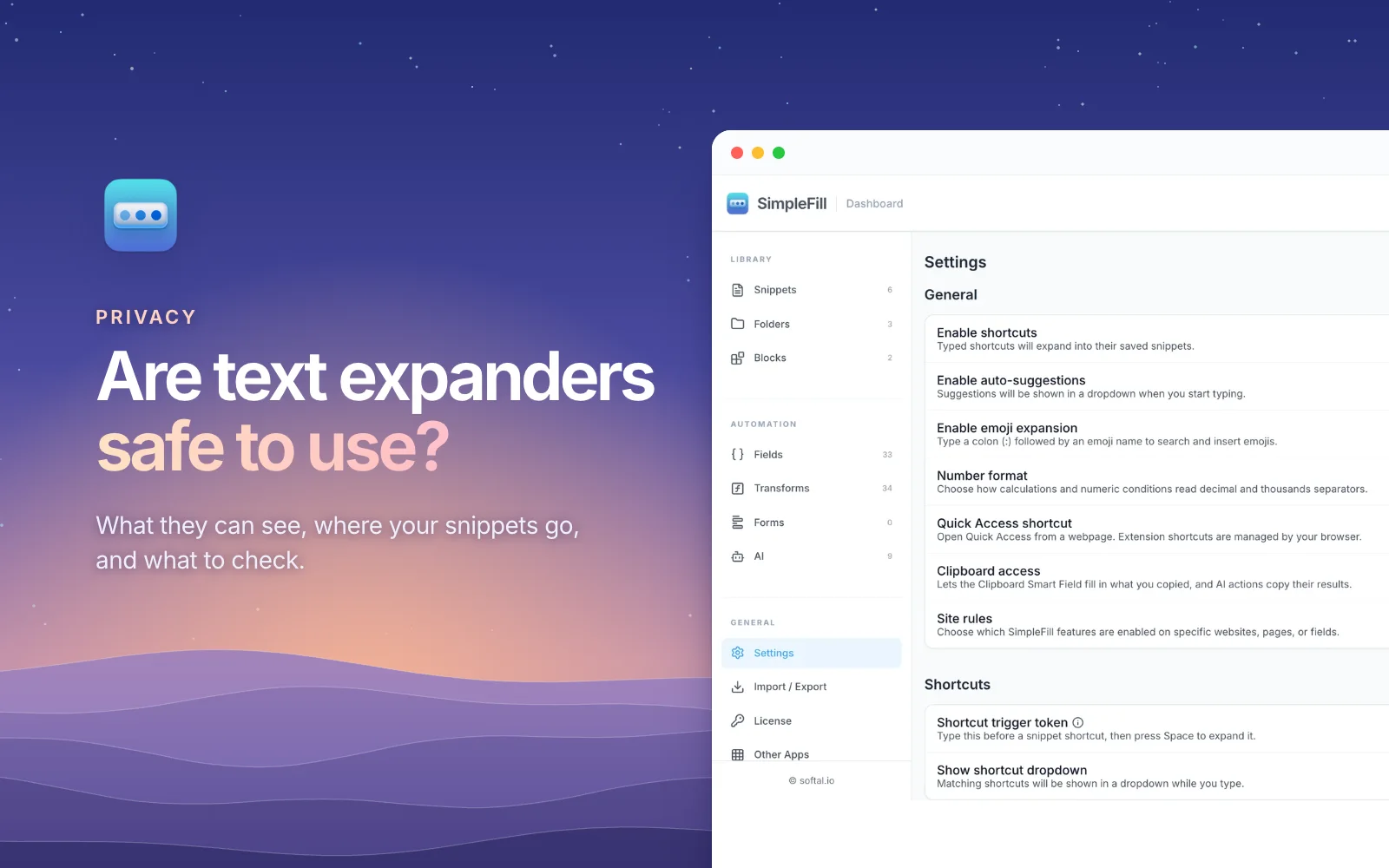
When you install a text expander, your browser shows a warning that sounds alarming: it can read and change all your data on all websites. It's a fair moment to pause. You're about to give an extension access to everything you type, including emails, customer replies, and the occasional password box.
So, are text expanders safe? The short answer is that a good one is, and the permission is unavoidable. The useful question is a different one: what does the extension do with that access, and where does it keep your snippets? This guide explains both, and ends with a checklist you can use on any text expander, including ours.
Why every text expander needs that permission
A text expander works by watching for your shortcut, like ;sig, in whatever
text box you're typing in, and swapping it for the full text. To do that on any
website, it has to run on every website. There's no narrower permission that
covers "any text box, anywhere."
In Chrome and Edge, that shows up as Read and change all your data on all websites when you install it. Firefox and Safari word it a little differently, but it means the same thing.
That's true of Text Blaze, TextExpander, Magical, and SimpleFill alike. Desktop text expanders need the same kind of trust: on a Mac, they ask for Accessibility access so they can watch your typing in every app. The permission tells you what an extension could do. What it actually does depends on how it's built, and that's what to look at.
The real questions
Where are your snippets stored?
This is the biggest difference between text expanders, and it's easy to check.
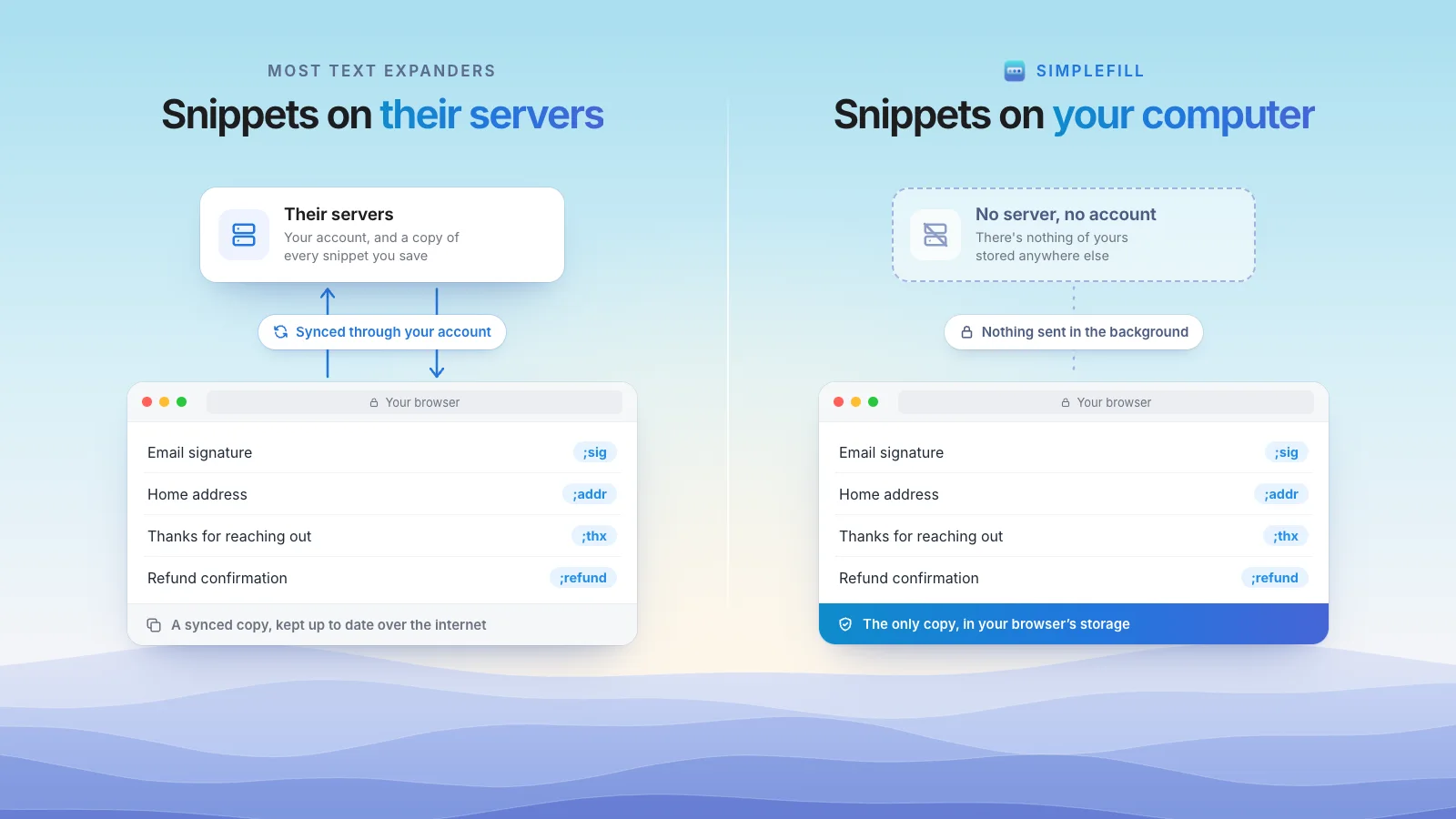
- In the company's cloud. Text Blaze, TextExpander, and Magical keep your library on their servers, behind an account, and sync it to each device. That's what makes their team sharing work, and Text Blaze and TextExpander say they encrypt it. But your snippets, and anything in them, live on a server you don't control.
- On your computer. SimpleFill keeps your library in your browser's extension storage. There's no account and no copy on our servers.
Think about what's in your snippets before you decide: addresses, phone numbers, prices, customer details, internal notes. The fewer places they're stored, the fewer places they can leak from.
What does it send, and when?
An extension that syncs, collects usage analytics, or checks in with a server in the background is sending data you can't see. Look for a privacy page that lists exactly what's sent, to whom, and when, not just a privacy policy full of "may".
SimpleFill's privacy page has that list, and it's short. It sends nothing in the background. It connects only when you run an AI action with a cloud provider, activate or check a license, or add something from the marketplace.
Does it touch password fields?
A text expander has no reason to read your passwords. SimpleFill skips password fields when it scans a form to save it, and its add-ons never read them.
Where does AI send your text?
Many text expanders now include AI. That means the text you select goes to a model somewhere. Ask: whose model, and does the company store it? With SimpleFill, AI requests go straight from your browser to the provider you chose, with your own API key, or to a model on your own computer, where your text never leaves your machine.
The risk people forget: extensions change hands
Often, the way a trusted extension turns bad isn't a hack. It's a sale. A popular extension gets bought, and an update with new code reaches every user automatically, often without anyone noticing.
The best-known case is The Great Suspender, a tab manager with millions of users. Its creator sold it in 2020 to an owner nobody could identify. New versions then went out through the Chrome Web Store that never appeared in its public source code, and they loaded code from outside the extension. In February 2021, Google removed it and switched it off on users' computers.
A bad update can reach any extension, which is why who makes it matters. But storage matters too. If an extension keeps your library on its servers, a new owner gets the servers, with everyone's snippets on them. If your library lives in your browser, there's no central store of everyone's snippets to take over.
A checklist for any text expander
Before you trust a text expander with your typing, check:
- Who makes it? A named company or person, with a real website and support, not an anonymous developer account.
- Where are snippets stored? On your computer, or on their servers? If servers, is there a real reason, like team sharing, that you need?
- Does it need an account? An account means a profile about you exists somewhere.
- What does it send in the background? Look for a specific list, not a vague policy.
- Can you export everything? You should be able to leave with your data in a file, any time.
- Where does AI send your text? Can you use your own key or a local model?
- How is it paid for? If it's free with no paid plan, ask what the business model is.
How SimpleFill answers those
SimpleFill is made by Softal, an independent software company. Your snippets stay in your browser, there's no account, and nothing is sent in the background. You can export everything to a file whenever you like, and AI runs on your own key or your own computer. It's paid for the simple way: a Free plan with every feature, and one-time Standard and Pro plans.
Your browser still shows the same permission warning when you install it, because a text expander can't work without it. The difference is in what happens after.
Get started
Install SimpleFill for Chrome, Edge, Firefox, or Safari.
More on privacy: a private Text Blaze alternative and a text expander that works offline.