Comparisons6 min read
Text expanders with no subscription: the one-time and free options in 2026
Tired of paying every month to type faster? Here are the text expanders you can buy once or use for free, from browser extensions to desktop apps, with what each does well and where it falls short.
By Ram Patra
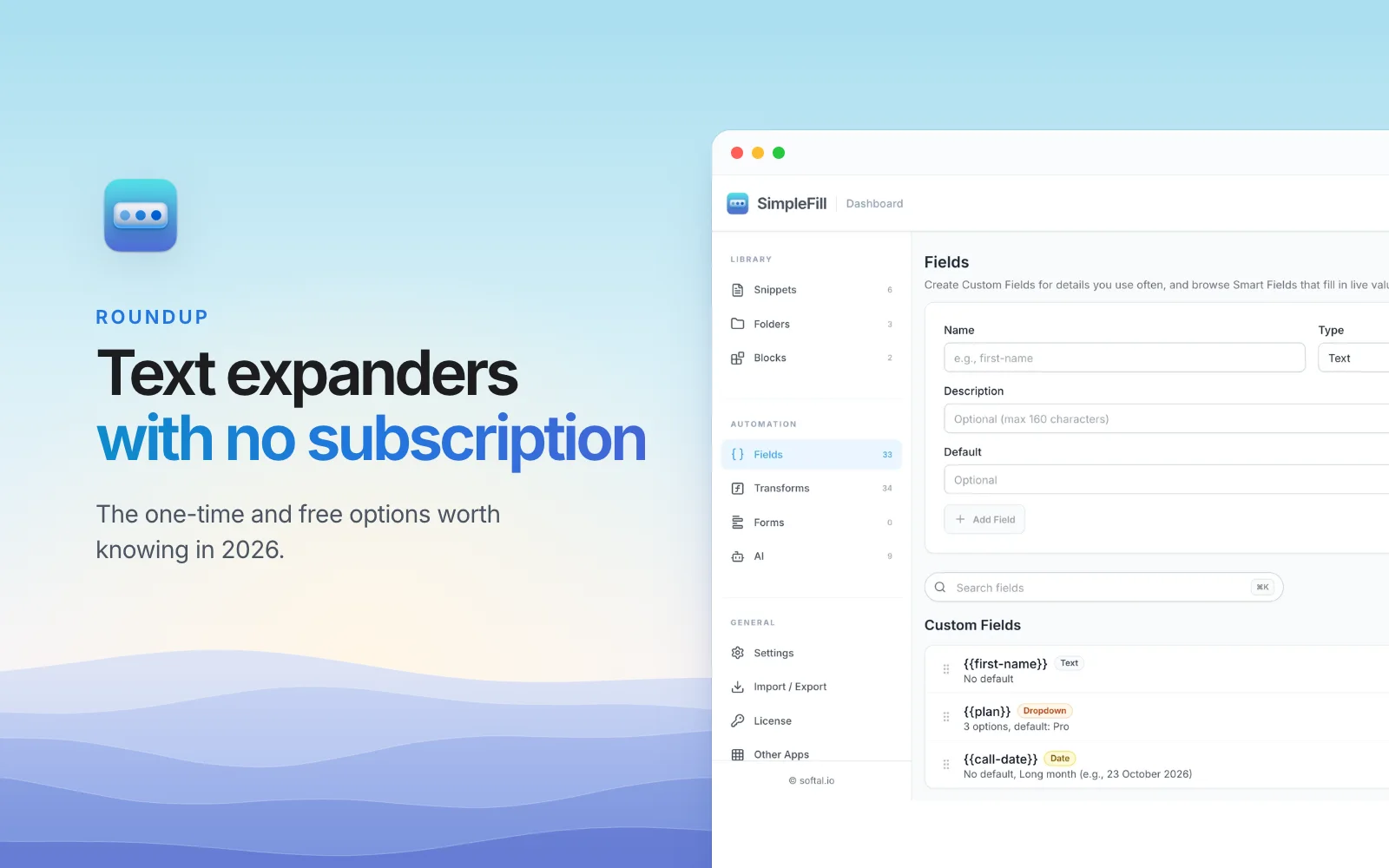
The best-known text expanders are subscriptions now. TextExpander moved to one in 2016 and no longer sells a standalone app. Text Blaze Pro is billed every month or every year. A few dollars a month doesn't sound like much, until you add it up over the years you'll keep typing.
The good news: you don't have to rent a text expander. Plenty of good ones are free or cost once. Here are the ones worth knowing in 2026, what each does best, and where each falls short. We make one of them, SimpleFill, so we've tried to be fair to the rest, and every price and fact below was checked in November 2026.
The short list
| Price | Works in | Rich text | Account | |
|---|---|---|---|---|
| SimpleFill | Free, or $29 or $59 once | Chrome, Edge, Firefox, Safari | None | |
| Espanso | Free, open source | Windows, Mac, Linux apps | None | |
| aText | $29.99 lifetime | Mac and Windows apps | None | |
| PhraseExpress | Free for personal use, once for work | Windows and Mac apps | None | |
| Alfred Powerpack | £34 once | Mac app | None | |
| Beeftext | Free, open source | Windows app | None | |
| Mac Text Replacements | Free, built in | Most Mac apps | Apple Account to sync |
For comparison, TextExpander is $60 a year and Text Blaze Pro is $35.88 a year. Neither offers a one-time purchase.
SimpleFill
Best for: people who work in the browser and want templates that look designed, with forms and AI included.
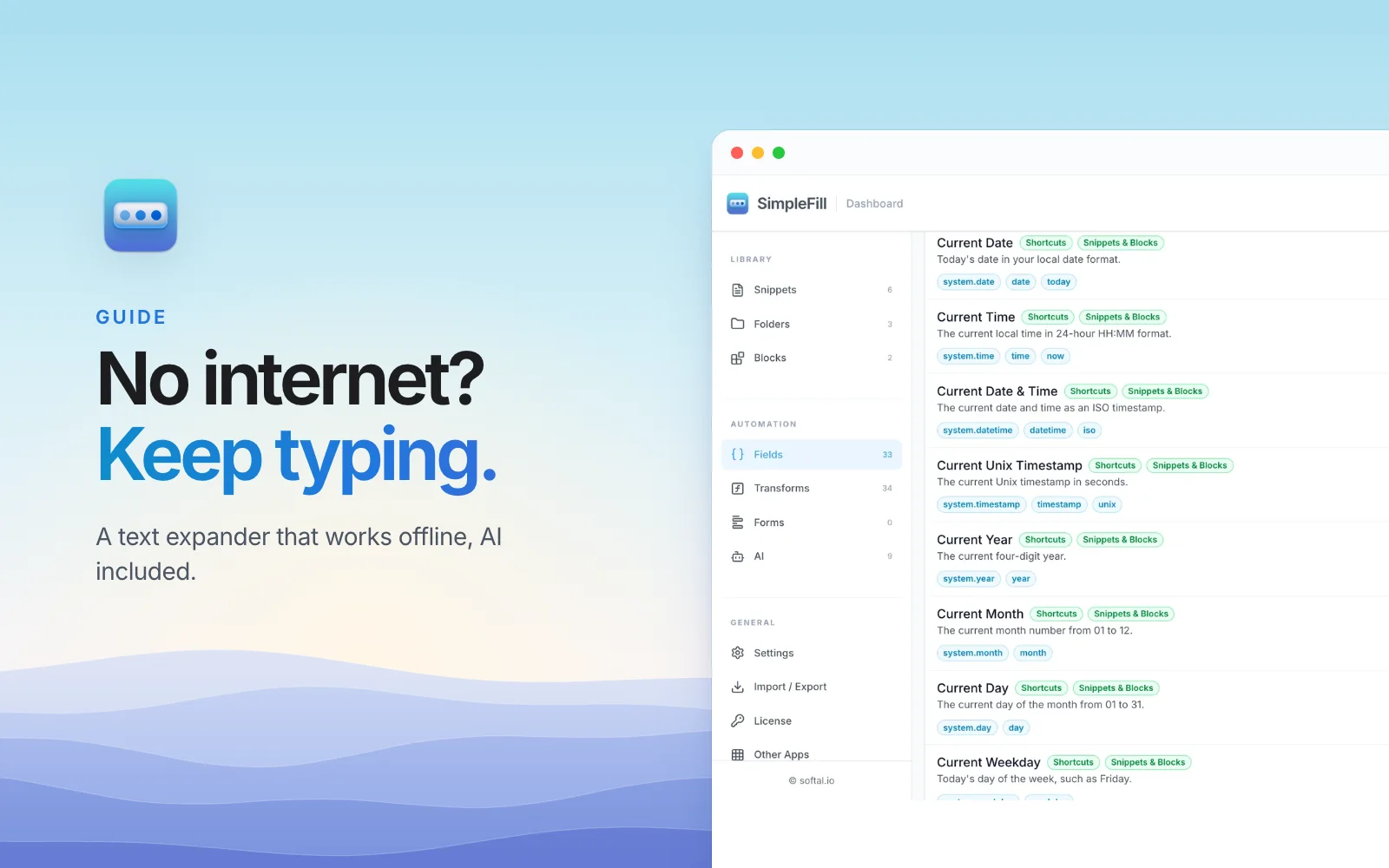
SimpleFill is a browser extension for Chrome, Edge, Firefox, and Safari.
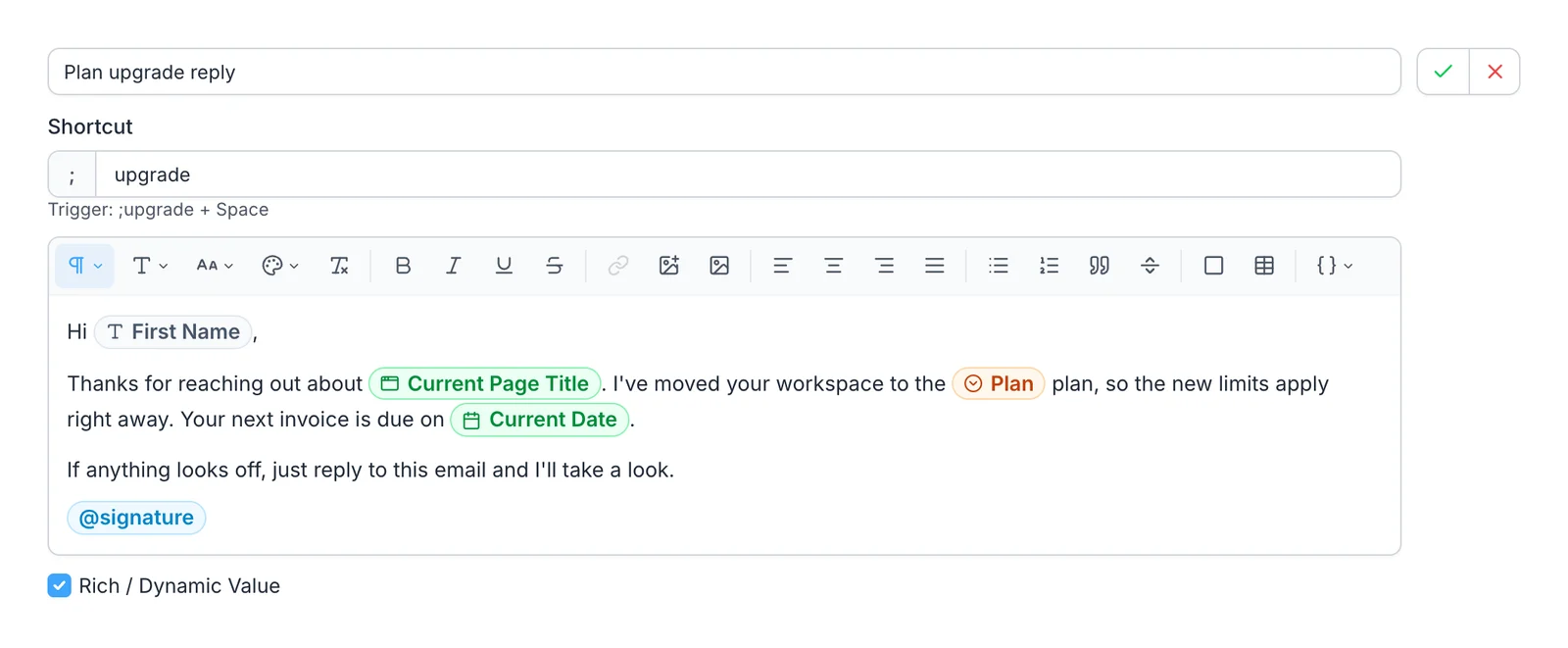
Type ;sig and a space in any text box, and your signature appears, photo and
links included. Beyond plain shortcuts, it has:
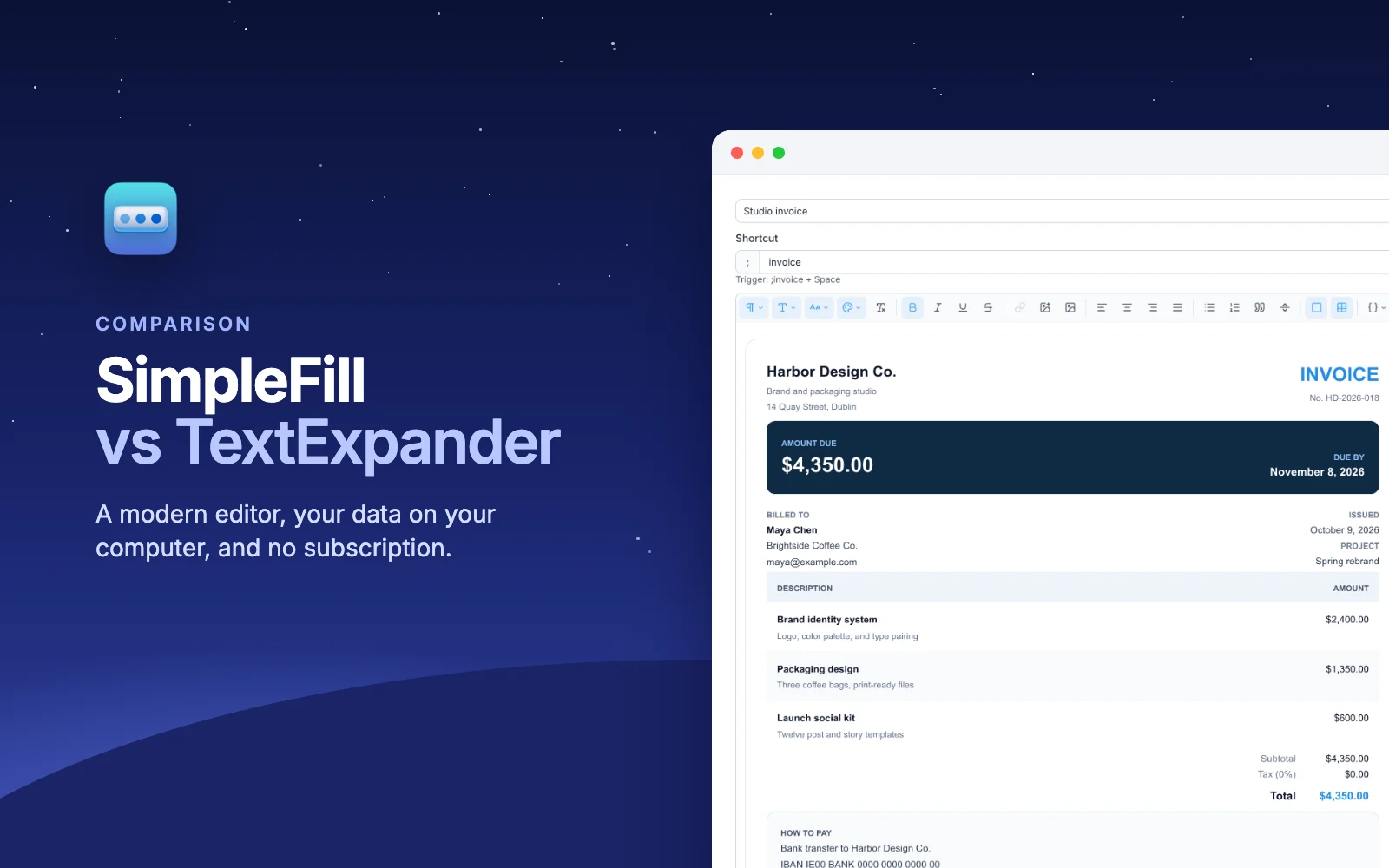
- A real template editor, with images, tables, cards, fonts, and colors, so invoices and signatures keep their look in Gmail and Outlook.
- Fields that ask for a name or a date when you insert a snippet, Smart Fields that fill in today's date or the page's title, and add-ons that read names from LinkedIn, HubSpot, and more.
- One-click form fill: save a form once, including dropdowns, checkboxes, and calendar dates, and fill it again with one click.
- AI actions like
;fixand;reply, with your own API key or a free model on your own computer.
Price: the Free plan has every feature, with room for five snippets. Standard is $29 once for 50, and Pro is $59 once for unlimited, with updates for life. Safari is a separate one-time purchase on the Mac App Store. See plans.
On Firefox or Safari? The big subscription expanders don't have extensions for either, and SimpleFill does. See it in Firefox and in Safari.
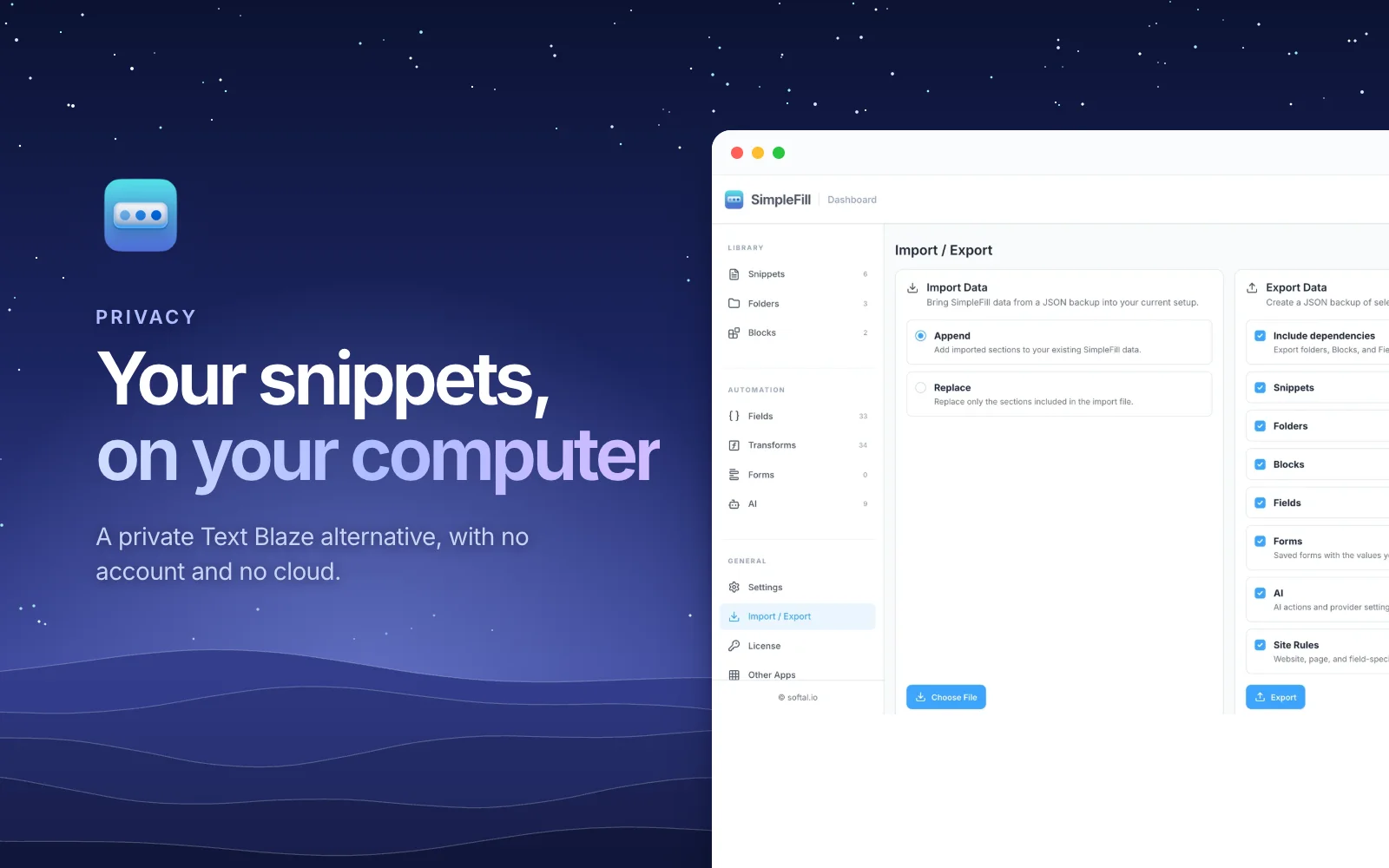
Keep in mind: it works in the browser only for now, not in desktop apps like Word or Slack's app. Desktop apps are coming. Your snippets live in your browser, so you move them between computers by exporting a file.
Espanso
Best for: developers and tinkerers who want something free that works in every app.
Espanso is a free, open source text expander for Windows, macOS, and Linux. It runs in the background and expands shortcuts in almost any program, and it's fully local, with no tracking. It's actively maintained, with a release in September 2026.
Keep in mind: you set it up by editing YAML files, not in an app with buttons. It can do formatted text and images, but you write them in Markdown or HTML. If you're comfortable with config files, it's excellent. If not, it'll feel like work.
aText
Best for: Mac and Windows users who want a classic desktop expander for a low one-time price.
aText is a desktop app that expands snippets in any app, with formatted text and images, and syncs through iCloud Drive, Dropbox, OneDrive, or Google Drive. A Personal Lifetime license is $29.99 for five computers. There's also a $4.99 one-year license that doesn't renew on its own.
Keep in mind: its official site lists its latest versions from 2024, so updates have been quiet for a while.
PhraseExpress
Best for: power users, and teams who need a shared phrase library on Windows and Mac.
PhraseExpress has been around for years and is packed with features: macros, rich text, Word formatting, and a client and server setup for teams. It's free for personal use. For work, a license is a one-time payment with no recurring fees, and it includes a year of updates, after which renewing updates is optional.
Keep in mind: the depth comes with a busy interface, and the work licenses cost more than the others here.
Alfred
Best for: Mac users who already use, or want, a launcher.
Alfred is a Mac launcher, and its paid Powerpack adds snippets that expand as you type, with rich text, in almost any app. The Powerpack is a one-time £34 for the current version on two Macs, or £59 for free upgrades for life.
Keep in mind: snippets are one feature of a bigger app, so they're simpler than a dedicated text expander's. Mac only.
Beeftext
Best for: Windows users who want a simple, free, plain-text expander.
Beeftext is free and open source, and easy to pick up. Its developer has put it in maintenance mode, so it gets fixes for major problems but no new features. Its last release was in 2022, and it dropped rich text support some time ago.
Built-in options
- Mac: System Settings > Keyboard > Text Replacements expands short abbreviations in many apps and syncs across your Apple devices through iCloud. Apple notes they aren't available in every app, and there are no blanks, formatting options, or folders.
- Windows: there's no built-in text expander. Clipboard history (
Win + V) lets you pin text you paste often, which helps a little.
How to choose
- You work mostly in a browser, on Chrome, Edge, Firefox, or Safari, and want rich templates, form filling, and AI: SimpleFill.
- You want every app, and don't mind config files: Espanso.
- You want every app, with a friendly interface: aText, or Alfred on a Mac.
- Your team needs a shared library on desktop today: PhraseExpress.
- You only need a few short phrases: your Mac's Text Replacements.
If you're leaving a subscription in particular, we've written up how SimpleFill compares with Text Blaze, TextExpander, and Magical, and what you'd pay over time in a Text Blaze alternative with no subscription.
Try SimpleFill
Install SimpleFill for Chrome, Edge, Firefox, or Safari. The Free plan includes every feature, so you can try it all before deciding whether to pay, once.