Comparisons5 min read
A Text Blaze alternative with no subscription: pay once, keep every feature
Text Blaze puts images, tables, and full forms behind a subscription. SimpleFill is a one-time purchase, from $29, with every feature on every plan, including Free. Here's what you get and what it costs over time.
By Ram Patra
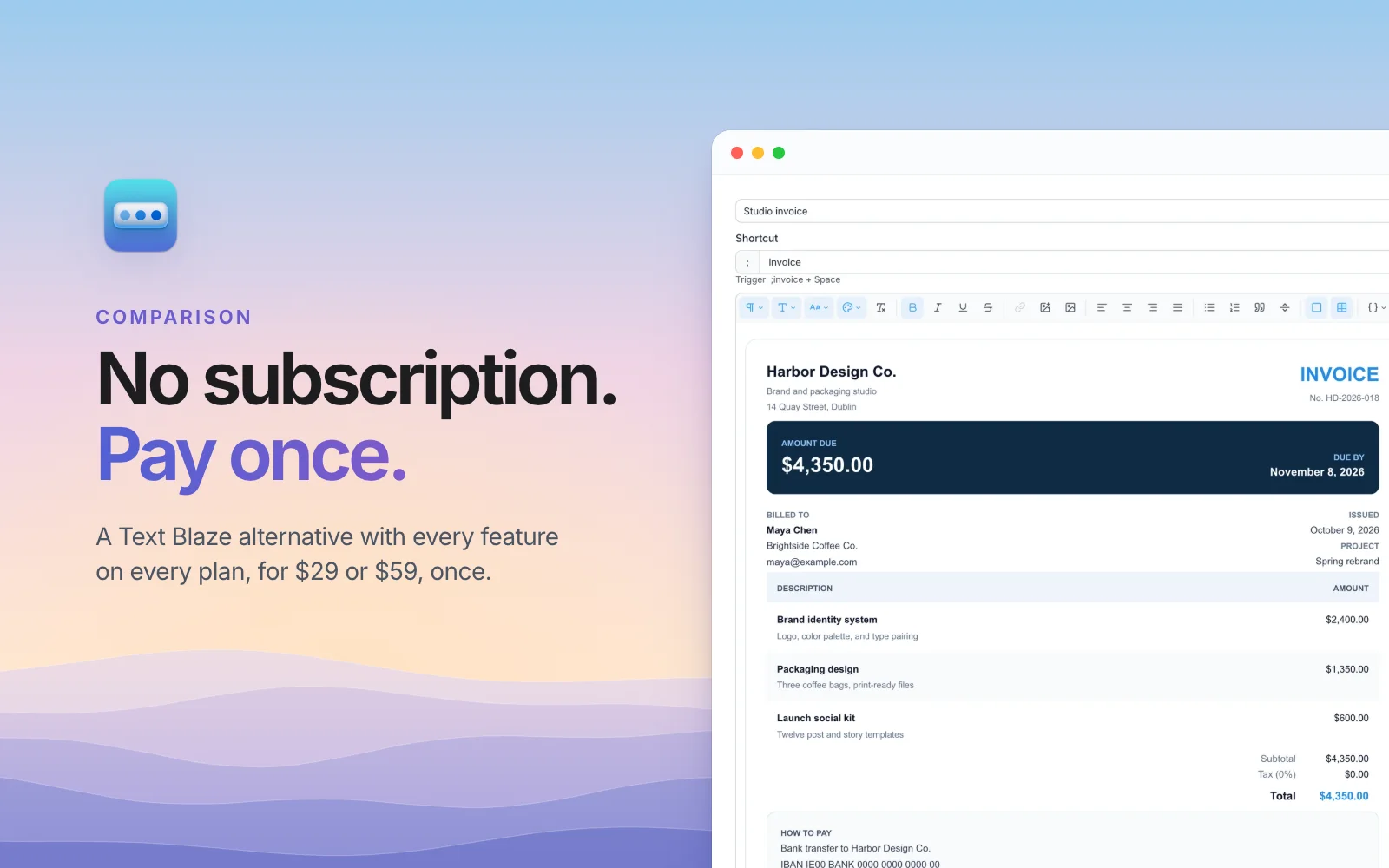
Text Blaze is a good text expander. But after a few weeks on the free plan, many people hit the same wall: images, tables, full forms, and if/then rules are Pro features, and Pro is a subscription. It's a small one, so it's easy to say yes. Then it renews, every year, for as long as you type.
If you'd rather pay for your text expander once and be done, this post is for you. SimpleFill is a browser extension for Chrome, Edge, Firefox, and Safari that does the same everyday jobs, and its paid plans are one-time purchases.
What you pay, over time
Text Blaze's plans are subscriptions: Pro is $2.99 a month billed yearly, or $3.49 billed monthly, and Business is $6.99 per user a month, billed yearly. SimpleFill Standard is $29 once, and Pro, with no limits at all, is $59 once.
| After 1 year | After 3 years | After 5 years | |
|---|---|---|---|
| Text Blaze Pro, billed yearly | $35.88 | $107.64 | $179.40 |
| Text Blaze Pro, billed monthly | $41.88 | $125.64 | $209.40 |
| SimpleFill Standard | $29 | $29 | $29 |
| SimpleFill Pro | $59 | $59 | $59 |
Once Text Blaze Pro renews for a second year, you've paid more than SimpleFill Pro costs for good, and the gap grows every year after that. Updates are included for life, with no renewal and no "maintenance plan".
Every feature, on every plan
The bigger difference isn't the price. It's what the price is for.
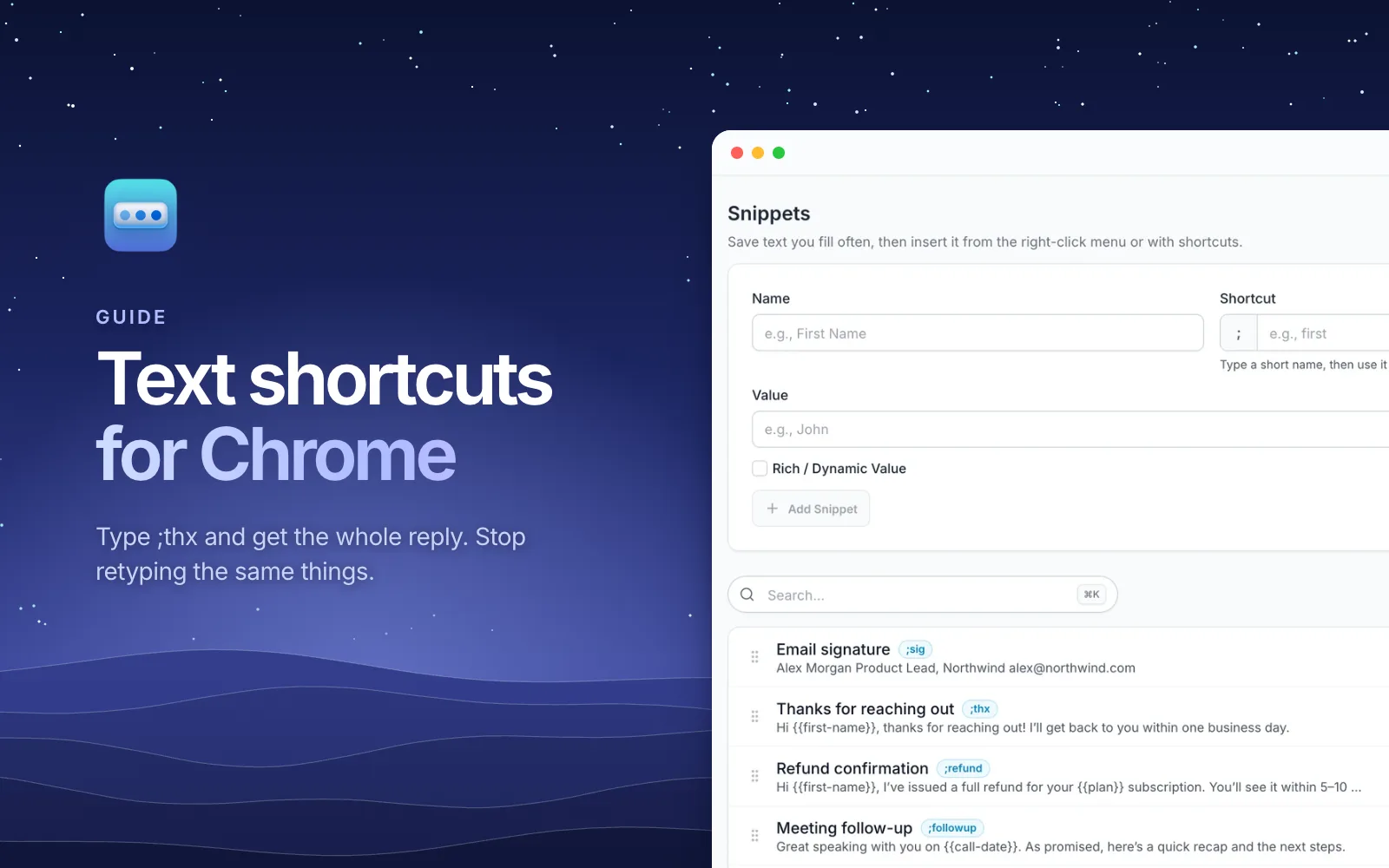
Text Blaze's free plan leaves out features: images and tables in snippets, full forms, and if/then rules wait behind Pro. SimpleFill's plans don't switch features on and off. Free, Standard, and Pro all have every feature, and they differ only in how much you can save:
| Free | Standard | Pro | |
|---|---|---|---|
| Price | $0 | $29, once | $59, once |
| Snippets, folders, Blocks, Fields, saved forms | 5 each | 50 each | Unlimited |
| AI actions | 10 | 50 | Unlimited |
| Images, tables, cards, and formatting | |||
| Fields, If / Else, and calculations | |||
| One-click form fill | |||
| AI with your own key or a local model |
So you can try everything on Free, with no trial clock, and only pay when you need room for more.
What you get for the one payment
Templates that look designed
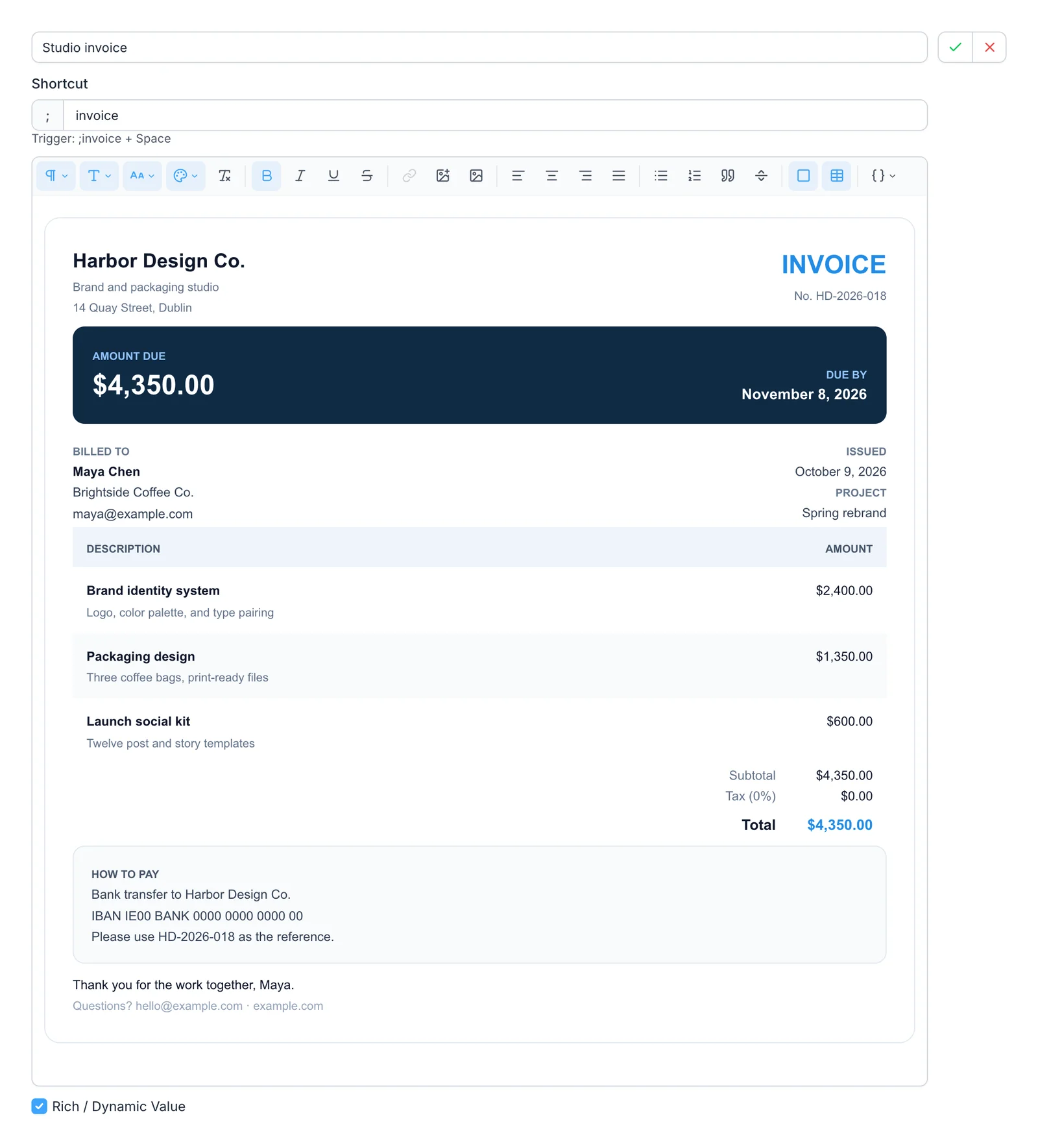
SimpleFill's rich text editor makes snippets that look good where they land: signatures with a photo, proposals, receipts, and invoices, with cards, layout tables, uploaded images, fonts, and colors. No HTML, and it keeps its look in Gmail, Outlook, Notion, and Google Docs.
Blanks that ask, and pieces you reuse
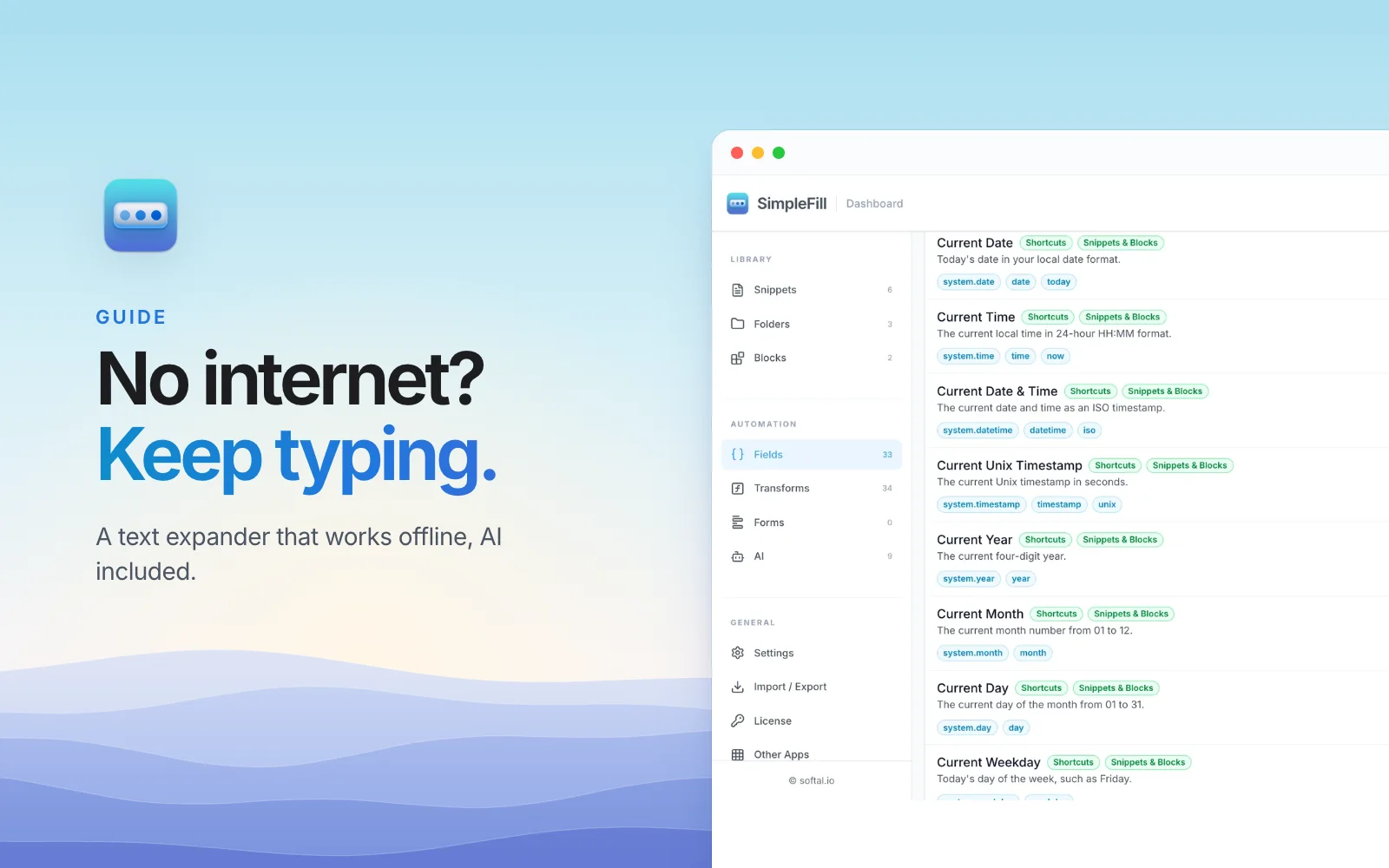
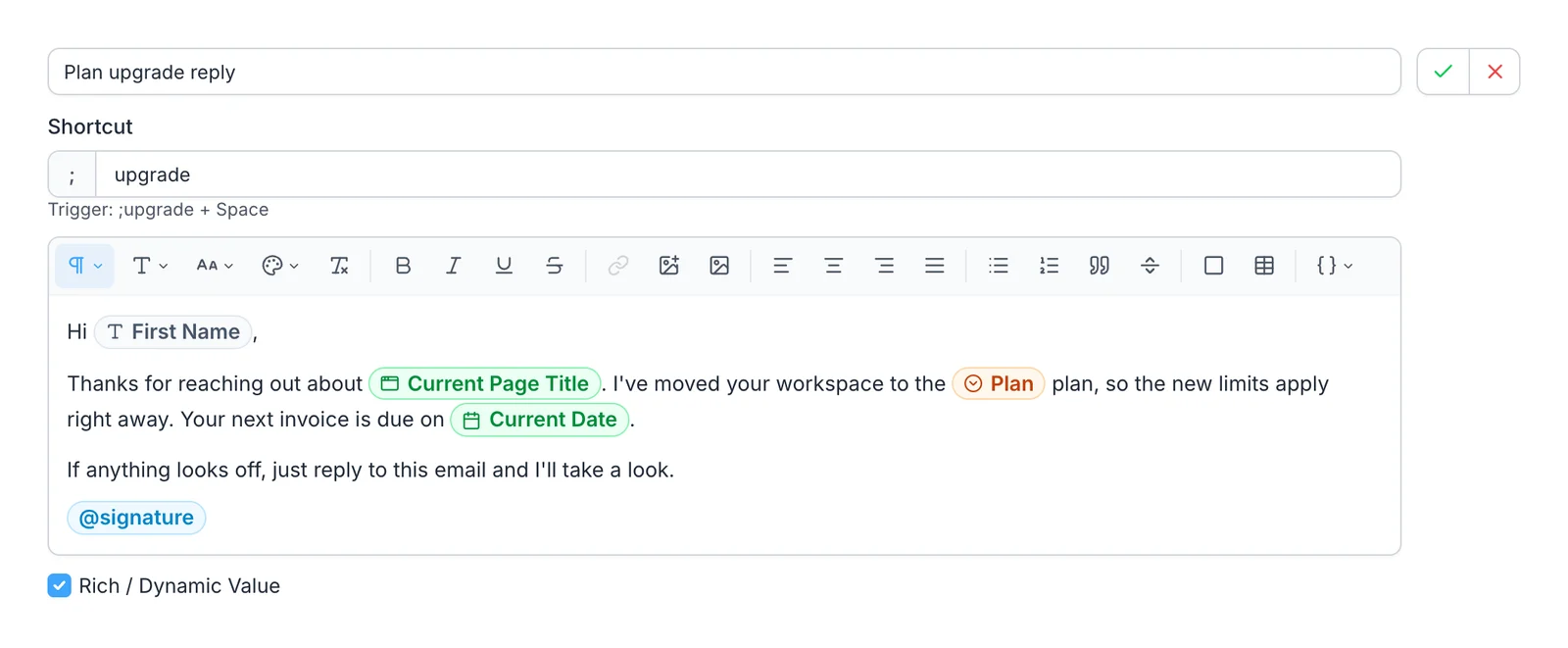
A Field asks for what changes each time, like a first name or a plan from a dropdown. A Smart Field fills itself in, like today's date or the page's title. A Block is a piece you write once, like your signature, and use in any number of snippets.
Forms filled in one click
Save a form once, and one click fills it from then on: text, dropdowns, checkboxes, radio buttons, and dates, including calendar pickers. Text Blaze can tab through a form with its Autopilot commands, and SimpleFill can do that too with key presses and clicks, but saving a whole form takes no building at all.
AI that doesn't add another bill
SimpleFill's AI actions, like ;fix for grammar or
;reply for a reply to the email above, are part of the same extension. They
use your own OpenAI or Anthropic key, so you pay the provider only for what you
use, often cents a month. Or run a model on your own computer for free.
Is a one-time price too good to last?
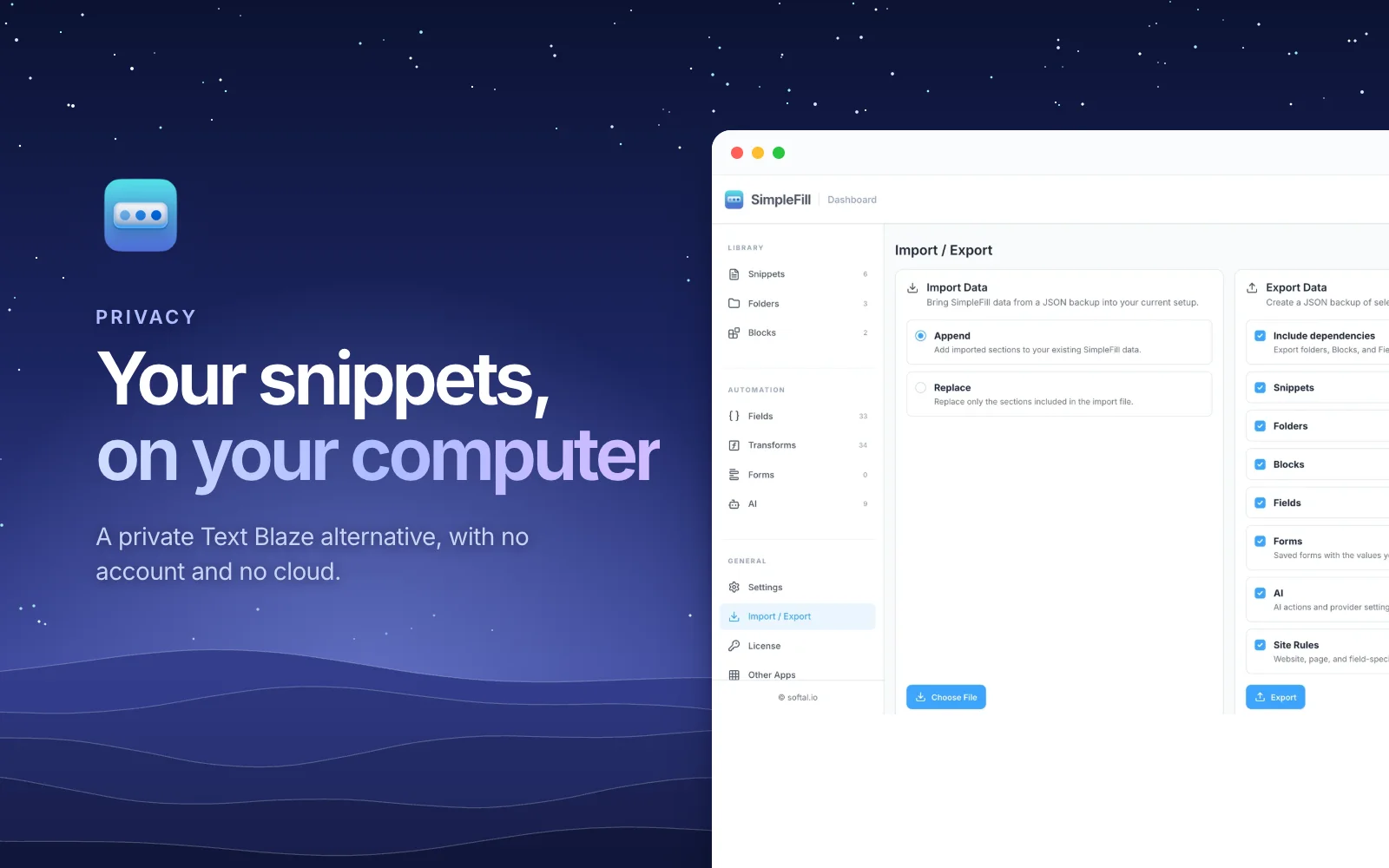
It's a fair question. Many apps moved to subscriptions because servers cost money every month. SimpleFill doesn't run servers for your snippets: they live in your browser, so there's no monthly cost to pass on to you.
Subscriptions will exist where they pay for something that runs every month. Team plans, with shared folders that sync, and SimpleFill AI, with AI credits included, are coming as optional subscriptions. Free, Standard, and Pro stay one-time purchases with everything they include today. The plans page has the details.
When Text Blaze is still the better fit
- Desktop apps. Text Blaze has apps for Windows and Mac, so snippets work outside the browser. SimpleFill works in the browser today, and desktop apps are coming.
- Heavy formulas. If your snippets use regular expressions, lists, or table lookups, Text Blaze's formula language goes further.
- Team sharing now. If your team already shares folders in Text Blaze, that's here today. SimpleFill's team plans are on the way.
For the full feature-by-feature comparison, see SimpleFill vs Text Blaze.
Switch in an afternoon
Install SimpleFill for Chrome, Edge, Firefox, or Safari. Rebuild your five most-used snippets on the Free plan, use them for a week, and buy a plan only if you need more room. One license key works in up to three browsers.
Looking at other options too? See text expanders with no subscription, or why SimpleFill is a private Text Blaze alternative.