Comparisons4 min read
A private Text Blaze alternative: no account, no cloud, snippets on your computer
Text Blaze and TextExpander keep your snippets on their servers, behind an account. SimpleFill keeps them in your browser, with no account and nothing sent in the background. Here's what that means for your data.
By Ram Patra
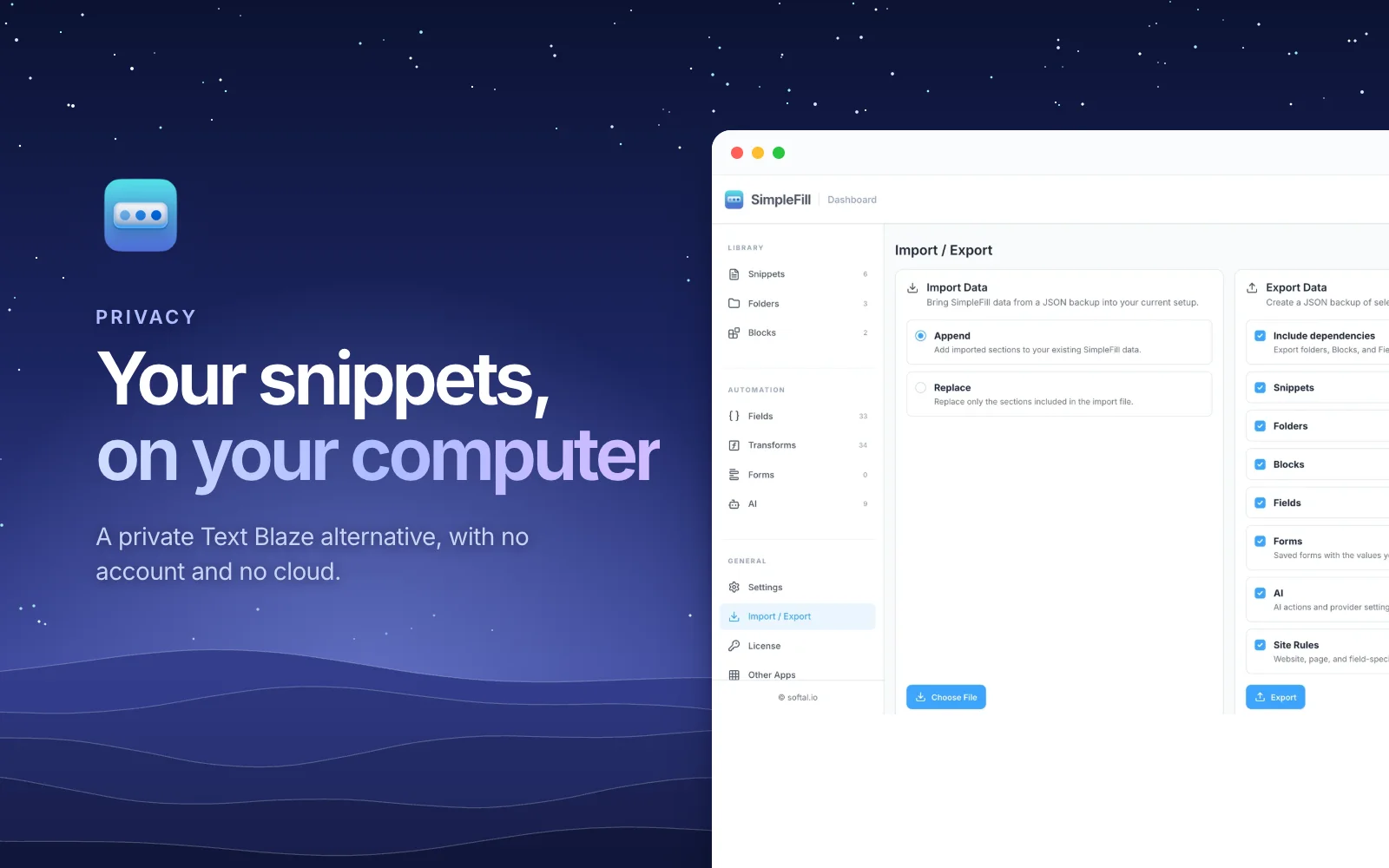
Think about what's in your snippets. Your home address and phone number. Replies to customers, with their order numbers. Prices you quote, internal notes, a bank transfer footer on your invoices. For many people, a snippet library is one of the most personal things they keep.
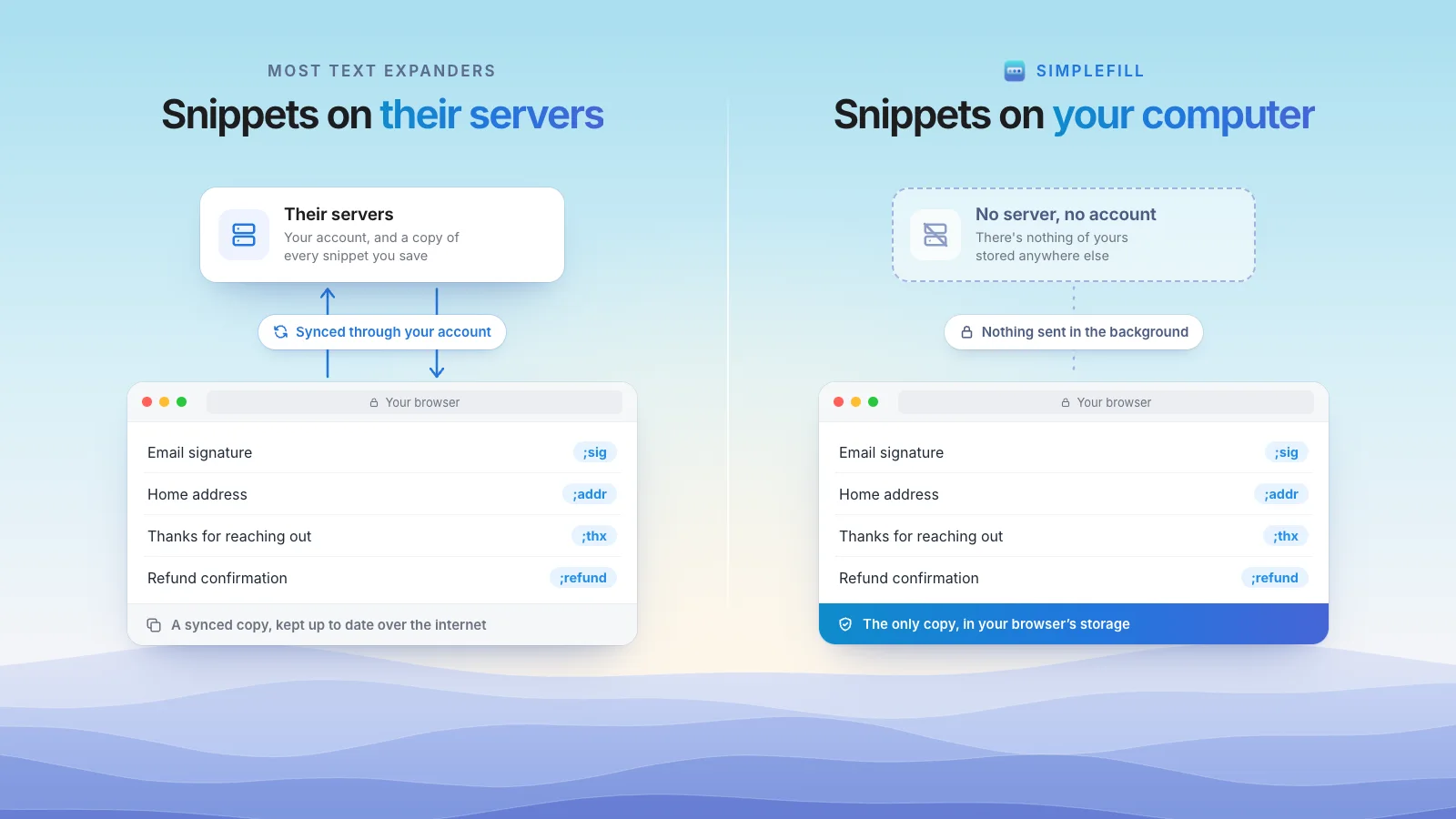
So it's worth asking where it lives. With most popular text expanders, including Text Blaze and TextExpander, the answer is: on the company's servers, tied to an account. SimpleFill takes a different approach. Your snippets stay in your browser, on your computer, and there's no account at all.
Where your snippets live
| SimpleFill | Text Blaze | TextExpander | |
|---|---|---|---|
| Account required | No | Yes | Yes |
| Where snippets are stored | Your browser | Its cloud | Its servers |
| Sends data in the background | No | Syncs your library | Syncs your library |
| AI that runs on your own computer |
To be fair to both: cloud storage isn't careless. Text Blaze runs on Google Cloud with encryption in transit and at rest, and TextExpander is SOC 2 certified. Their cloud is what makes their sync and team sharing work. If you need those, it's a reasonable trade.
But a server you don't control is a server you have to trust: its security, its staff, its future owners, and its privacy policy, which can change. Data that never leaves your computer doesn't need any of that trust.
What "private" means in SimpleFill
No account. You install the extension and start. There's no sign-up, no password, and no profile about you anywhere.
Your library stays in your browser. Snippets, folders, Blocks, Fields, saved forms, AI actions, and your AI Memory are stored in your browser's extension storage on your computer. SimpleFill doesn't keep a copy on its servers.
Nothing in the background. SimpleFill doesn't collect usage data or check for updates on its own. Your browser's extension store keeps the extension up to date.
It connects only when you ask. The privacy page lists every case, and there are only a few:
| When you… | What's sent | To whom |
|---|---|---|
| Run an AI action with a cloud provider | The text you're working on | The provider you chose, directly from your browser |
| Run an AI action with a local model | Nothing | It stays on your computer |
| Activate or check your license | Your license key | Our payment provider |
| Add a marketplace template | A request for that template | simplefill.app |
Passwords are left alone. Saved forms never include password fields, and add-ons never read them.
Private AI, too
Text Blaze's AI lives in a separate extension, AI Blaze, which runs on models Text Blaze provides. SimpleFill's AI actions let you choose where your text goes:
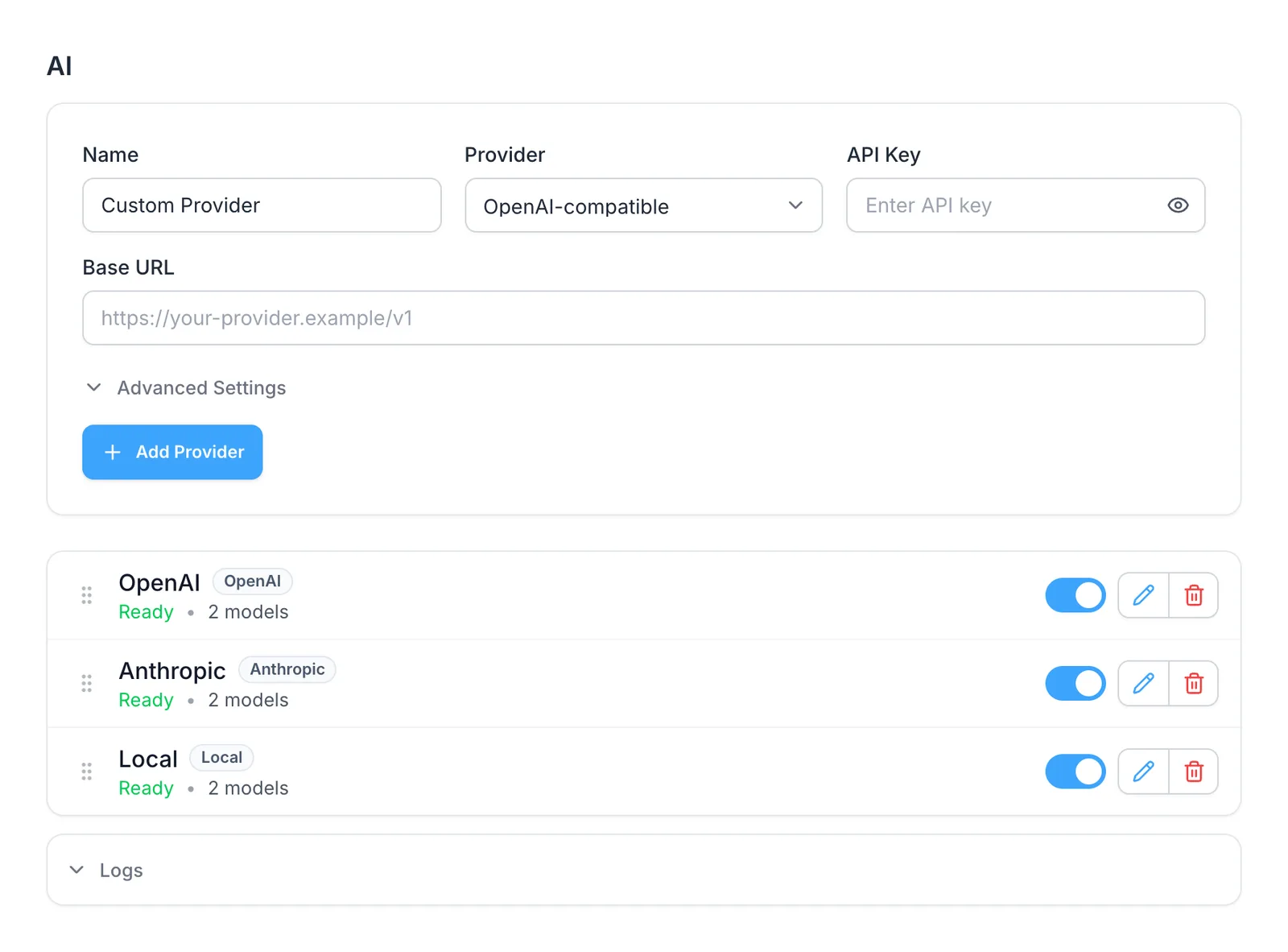
- Your own API key for OpenAI or Anthropic. Requests go straight from your browser to that provider, never through SimpleFill.
- A model on your own computer, through Ollama or LM Studio. Your text never leaves your machine at all, and it's free.
Each action sends a little about the page, like its title and the text around your text box, so the result fits. What AI sees lists it all.
The trade-off: you hold the backup
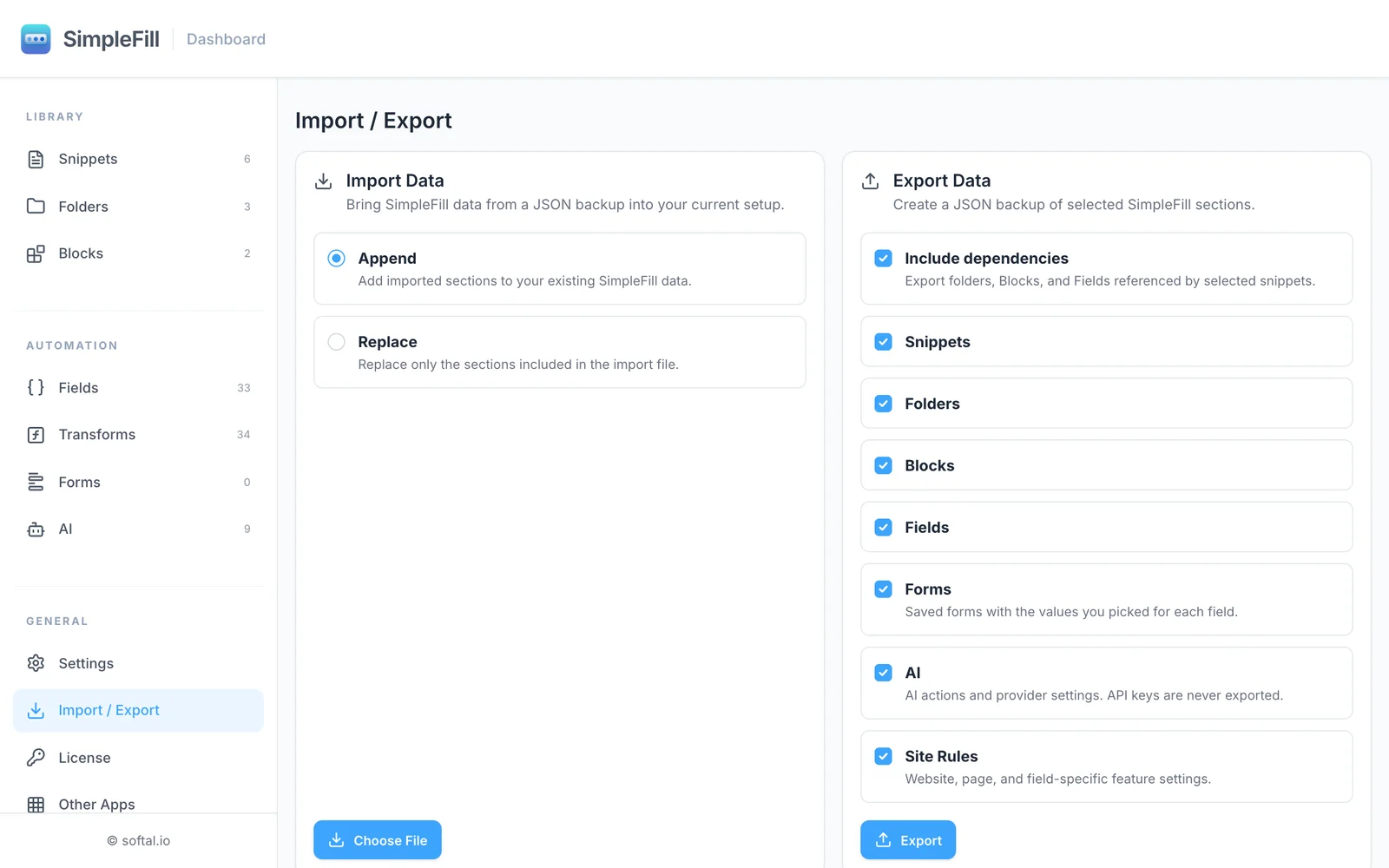
Keeping everything on your computer has one cost: if you clear your browser's data or uninstall SimpleFill, your library goes with it. So export a backup now and then. It takes a moment, and the file also moves your library to another browser or computer. Exports never include your AI API keys.
Team plans are coming, with shared folders that stay in sync. They'll be opt-in: only what you choose to share is stored on our servers, and everything else stays in your browser.
Everything else you'd expect
Privacy doesn't mean fewer features. SimpleFill has rich snippets with images and tables, fill-in Fields, Smart Fields that read the page, one-click form fill, and Quick Access search. It works in Chrome, Edge, Firefox, and Safari, and paid plans are a one-time purchase. For the side-by-side, see SimpleFill vs Text Blaze.
Get started
Install SimpleFill for Chrome, Edge, Firefox, or Safari. Nothing to sign up for. The Free plan includes every feature.
Wondering what a text expander can see in the first place? Read are text expander extensions safe?